openBIS Data Modelling
Overview
openBIS has the following data structure:
Space: entity with Code and Description. Access can be controlled at this level.
Project: entity with Code and Description. Access can be controlled at this level.
Experiment/Collection: entity with user-defined properties.
Object: entity with user-defined properties.
Dataset: folder where data files are stored. A dataset has user-defined properties.
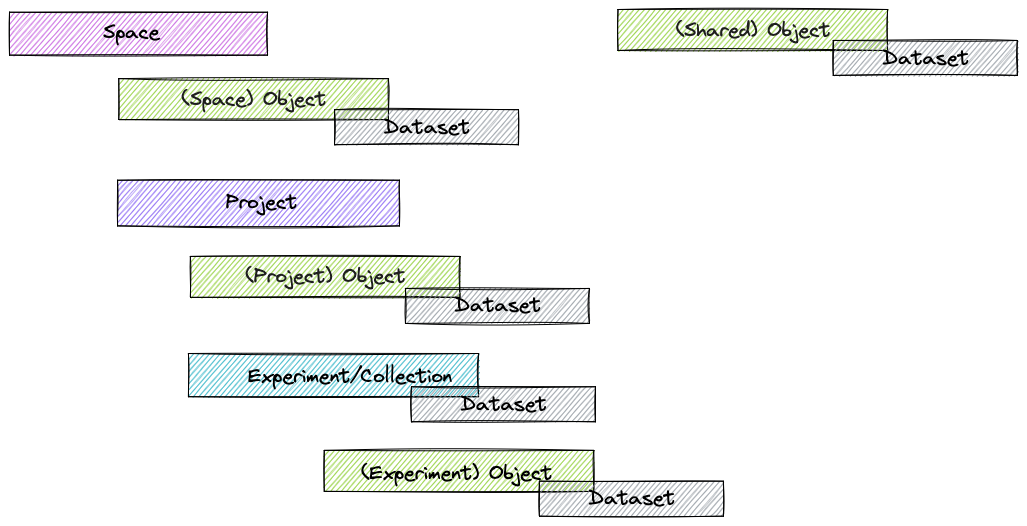
Space is the top level. Below Spaces there are Projects and below Projects there are Experiments/Collections. In the general openBIS data model, Objects can:
be shared across Spaces (i.e. they do not belong to any Space)
belong to a Space
belong to a Project
belong to an Experiment/Collection
Datasets can be associated only to Experiments/Collections or to Objects.
Access to openBIS is controlled at the Space level, Project level or openBIS instance level (see openBIS roles ).
Data model in openBIS ELN-LIMS
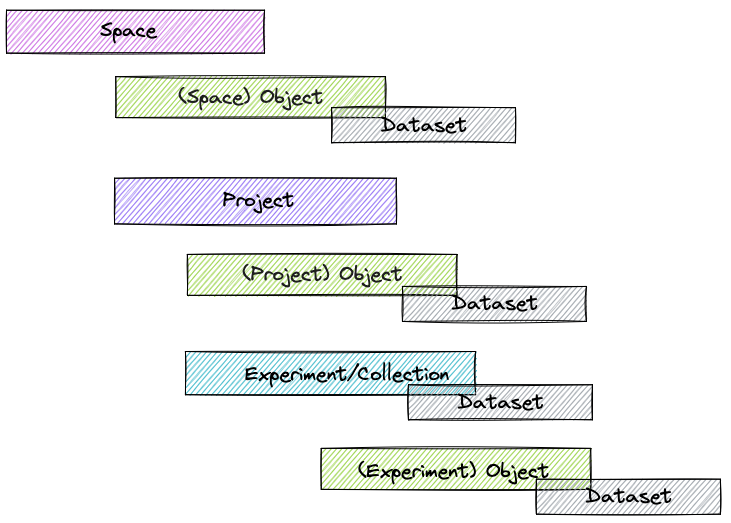
In openBIS 20.10.12, restrictions to the openBIS data model in the ELN-LIMS have been lifted, with the exception that shared Objects are not used.
Inventory
The inventory is conceived to be shared by all lab members. The inventory is used to store all materials and protocols (i.e. standard operating procedures) used in the lab. It is possible to create additional inventories, for example for instruments and equipment.
The picture below shows an example of an Inventory with the different openBIS levels.
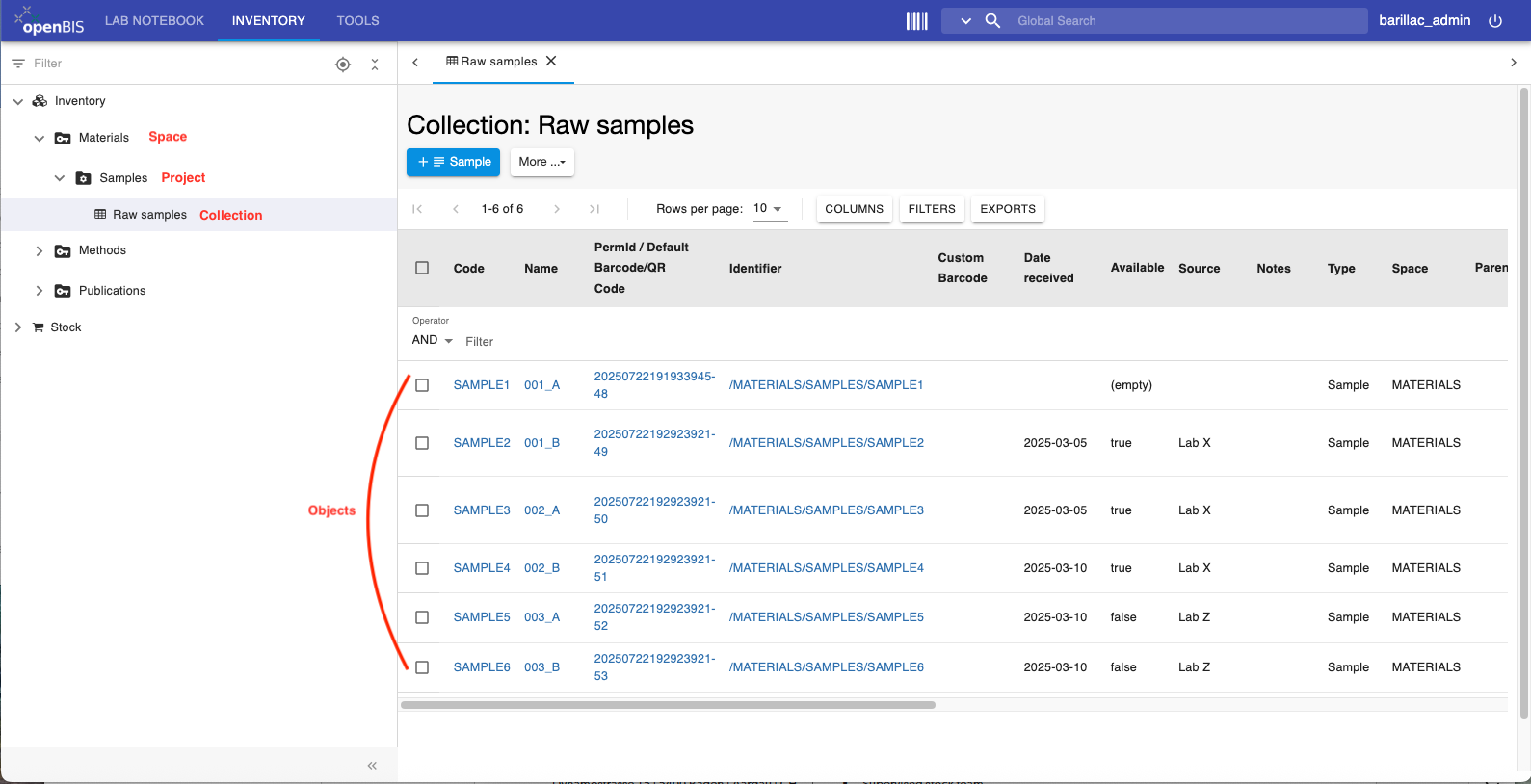
In the Inventory we recommend to continue using the Space/Project/Collection hierarchy, because Collections provide a tabular overview of objects, which would be missing if Objects were created directly under a Space or Project.
Lab Notebook
By default, the lab notebook is organised per user. Each user has a personal folder (=Space), where to create Projects, Experiments and Objects. Data files can be uploaded to Datasets. Example structure:
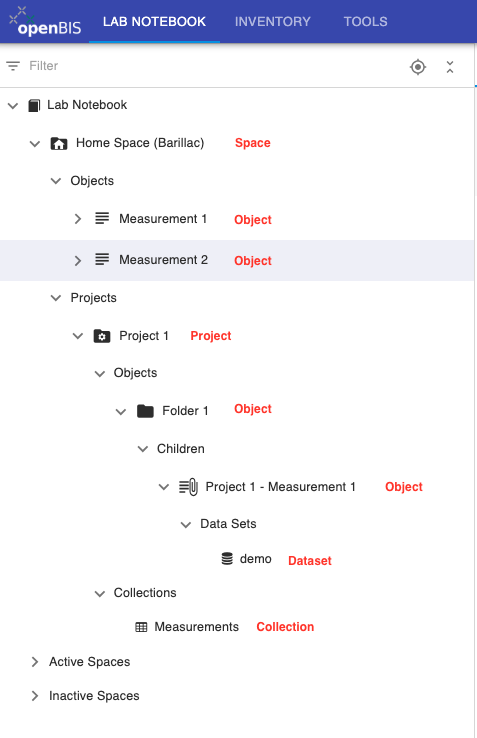
Some labs prefer to organise their lab notebook using an organization per project rather than per user. In this case an openBIS Space would correspond to a lab Project and an openBIS Project could be a sub-project or a user folder (one folder per user working on the same project).
openBIS parents and children
Objects can be linked to other Objects, Datasets to other Datasets with N:N relationship. In openBIS these connections are known as parents and children.
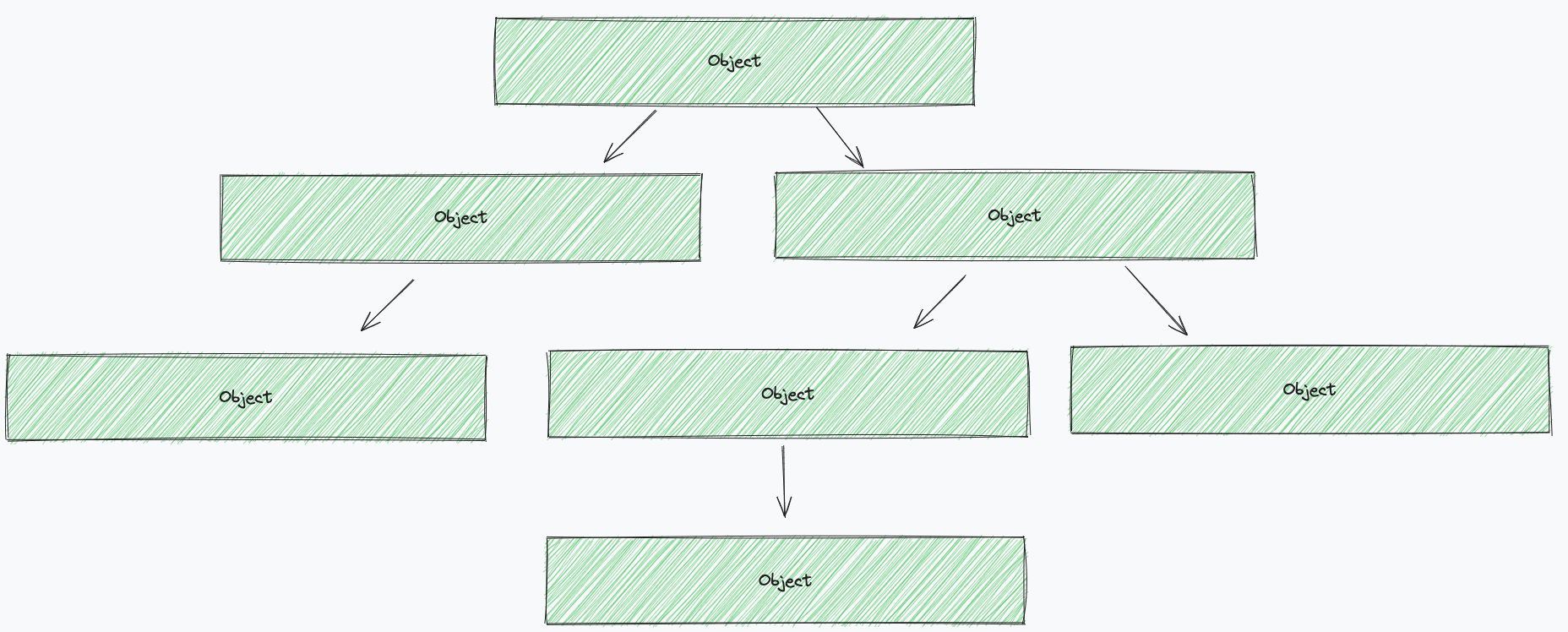
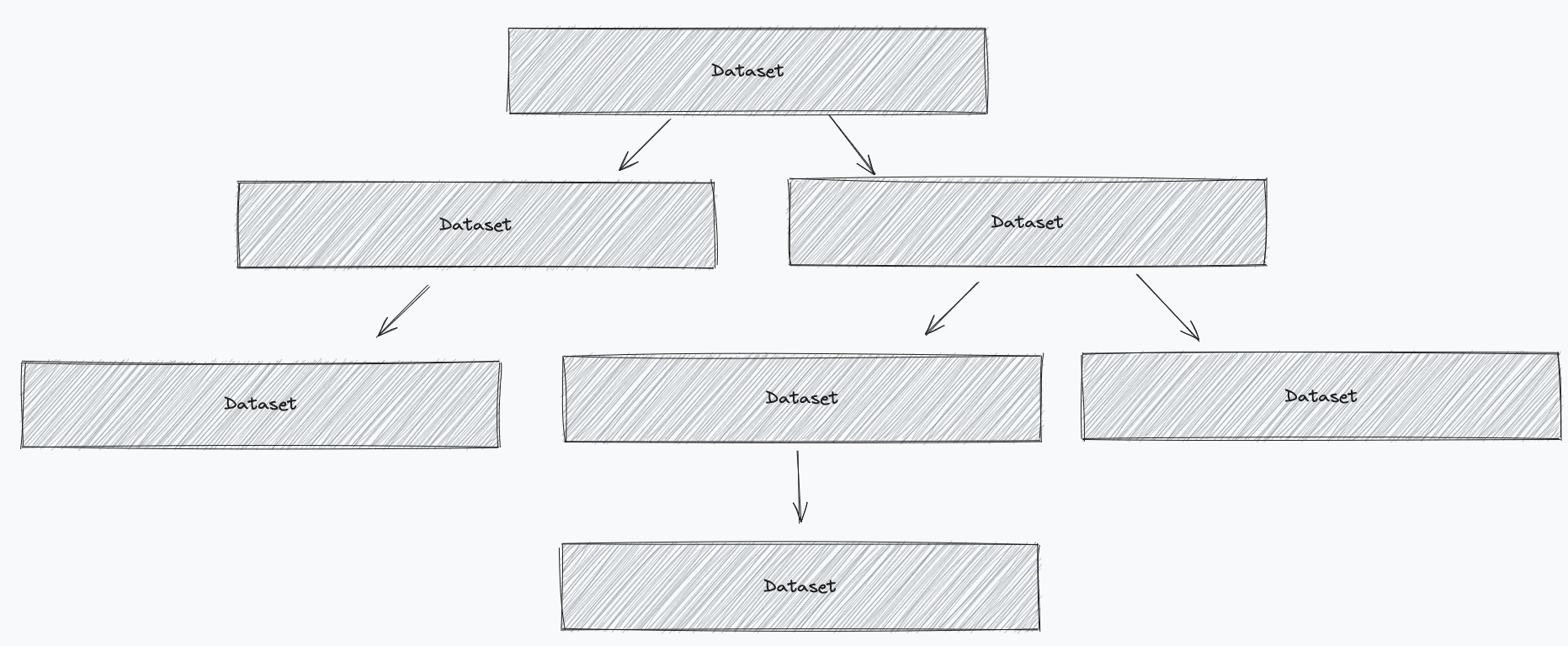
Examples of parent-child relationships
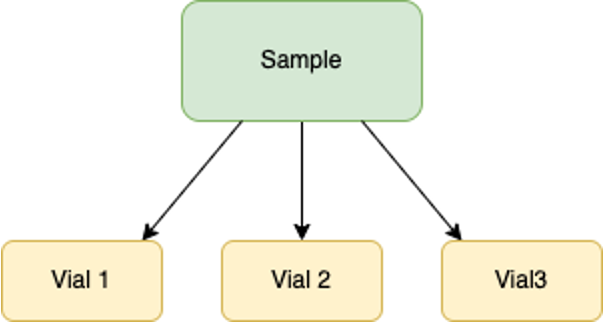
One or more samples are derived from one main sample. This is the parent of the other samples:
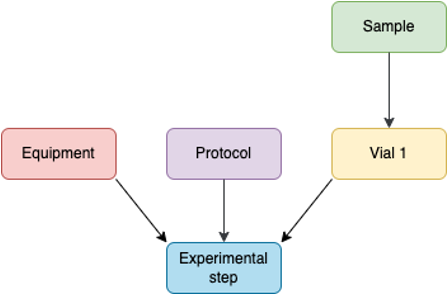
One Experimental step is performed following a protocol stored in the inventory, on a sample stored in the inventory, using a given equipment. The protocol, the sample and the equipment are the parents of the Experimental step
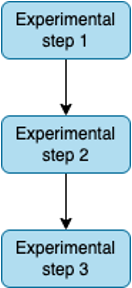
One Experimental Step is done after another and we want to keep track of the links between the steps: